Identify the tested edition
The supplied boxshot identifies Folder Lock 10. It is marketing artwork, not proof of current availability or suitability.
Use Folder Lock only for the file-storage job it can perform
Official Folder Lock material describes file encryption and lockers. That may fit a retained spreadsheet archive, but it is not evidence that the product is a password manager, browser-autofill service, enterprise identity system or guaranteed backup.
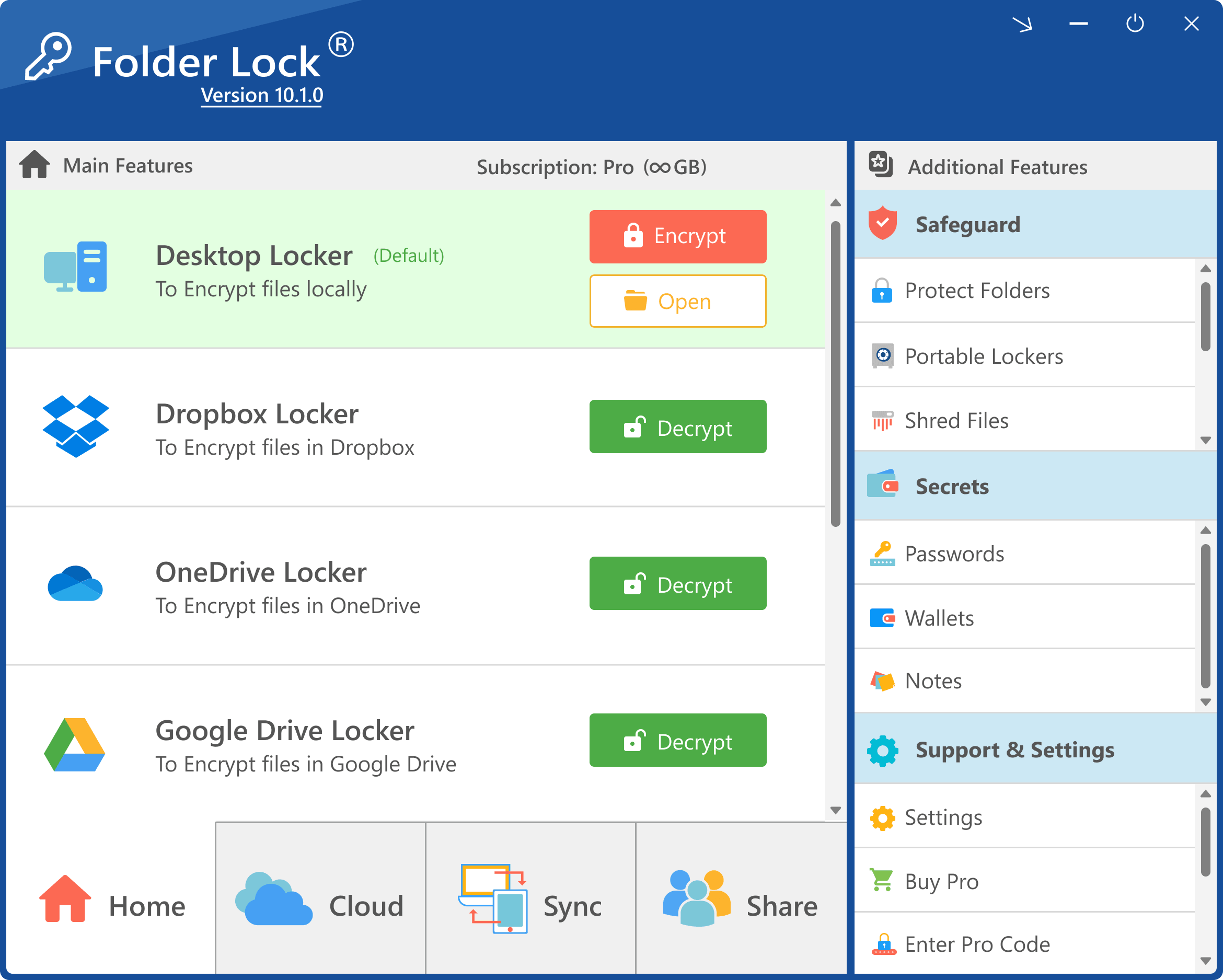
The version 10.1 interface shows a local Desktop Locker beside cloud options. Test the exact installed version and choose the storage mode deliberately.
A small Windows team tests Folder Lock with a non-sensitive sample workbook for a local encrypted archive. Active daily credentials are migrated to a separately evaluated password manager because the team needs generation and autofill.
Use a controlled sequence
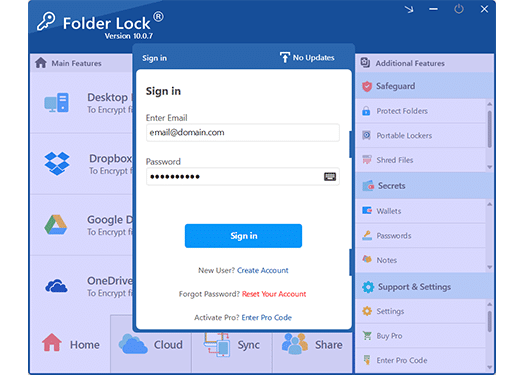
A product sign-in screen does not make Folder Lock a general password manager. It protects access to this product workflow; active service credentials need their own appropriate system.
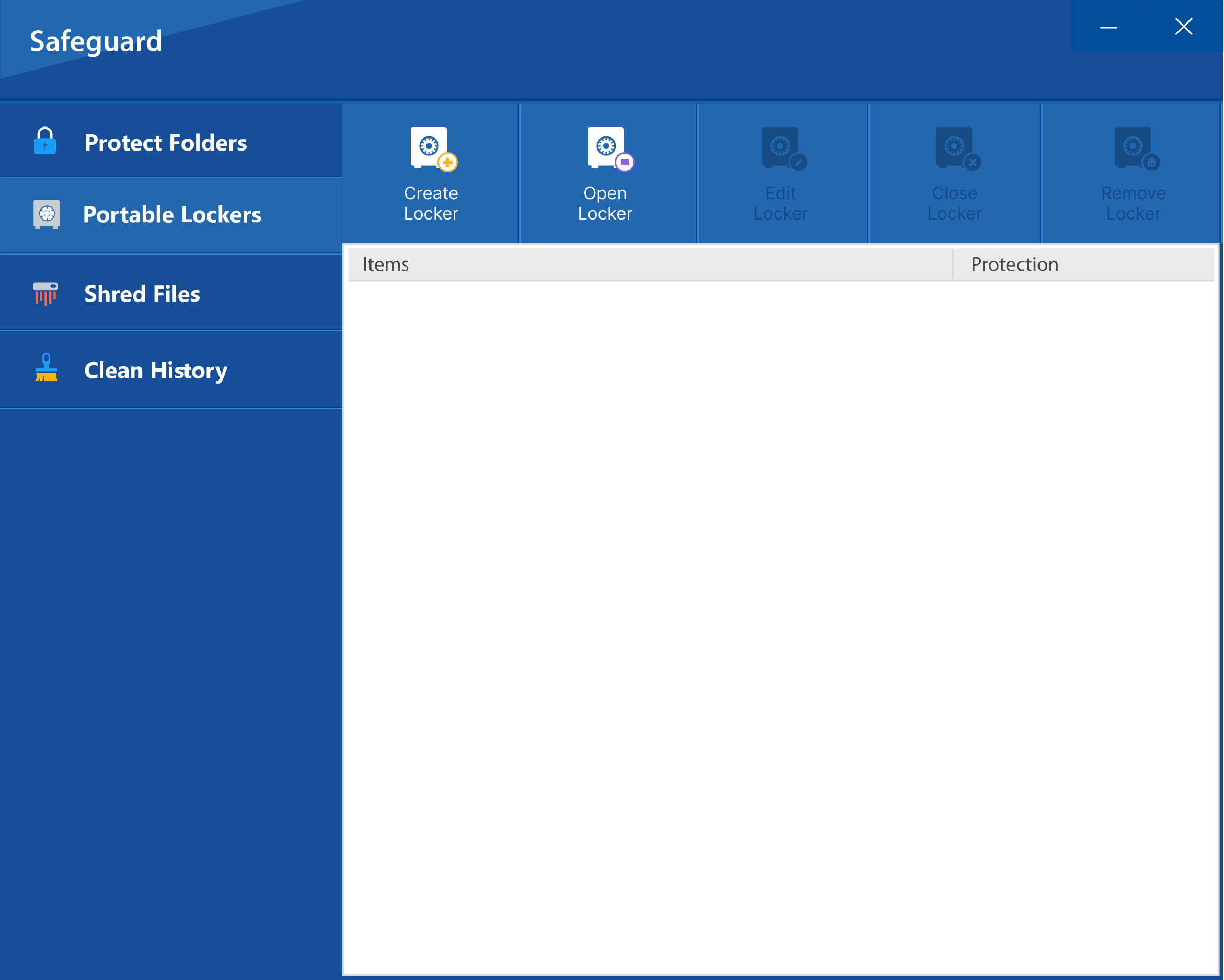
Portable-locker controls belong beside recovery planning. Test the destination media and opening procedure before relying on portability.
- 01Verify the current edition, supported Windows version, licensing and official feature documentation.
- 02Test create, add, lock, unlock, export and recovery steps with non-sensitive sample files.
- 03Record the exact product version, locker location, access owner and backup design.
- 04Confirm active credentials that need autofill are placed in an appropriate password manager instead.
- 05Define how data will be recovered or exported if the product, device or subscription changes.
Leave evidence without copying secrets
The adoption record should name the tested version, platform, file types, locker configuration, custodians, backup, restore result, official documentation date, limitations and exit plan.
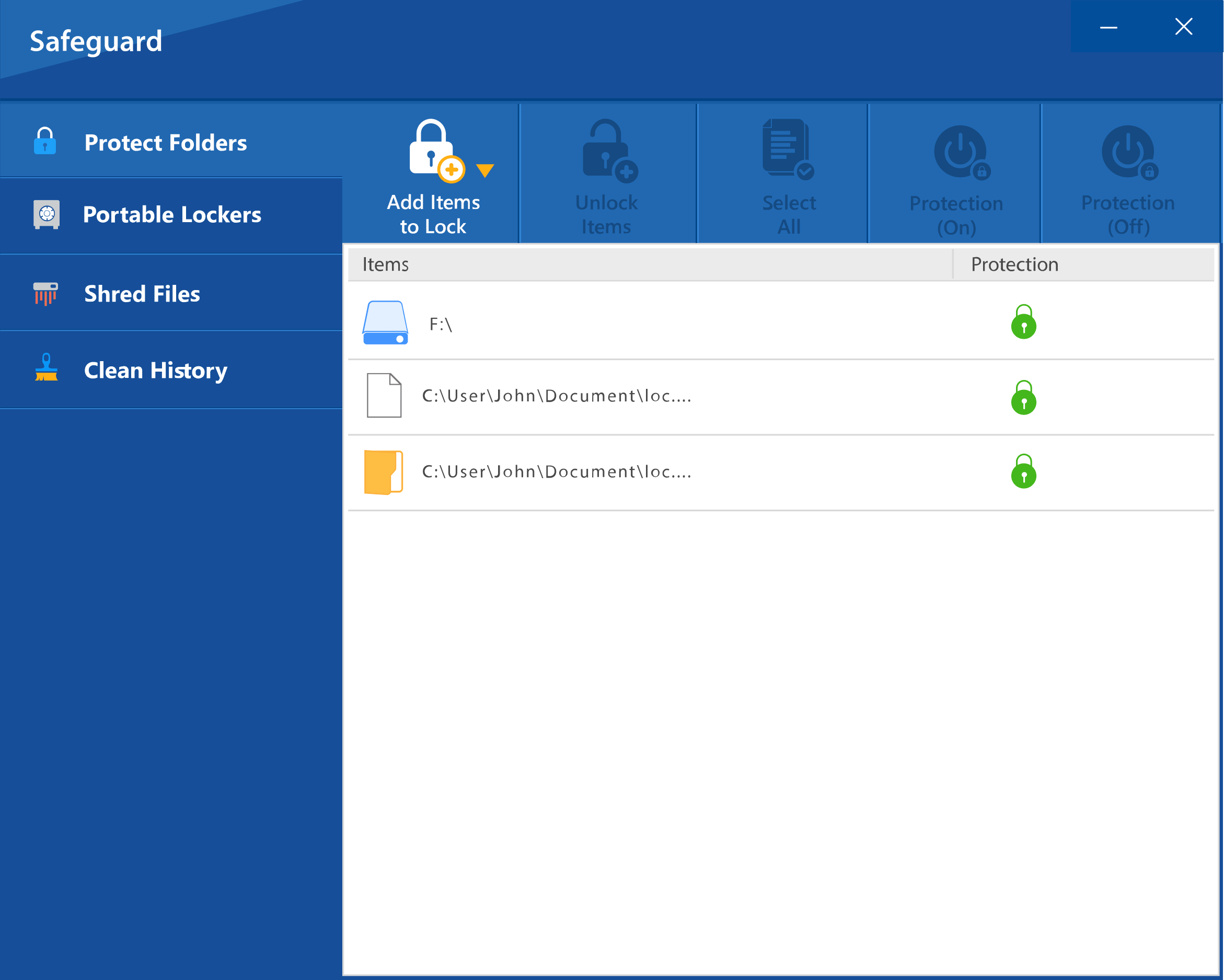
The supplied example contains generic file paths. A protected-items view still requires documented custody, backup and recovery.
Pause and review when
- Folder Lock is presented as a substitute for a password manager.
- The only backup is the same device or synchronized locker.
- A version-specific screenshot is treated as proof of current behavior.
Encrypted files are not a password manager
Does not replace provider permissions, guaranteed backup, password recovery or enterprise identity management. Match the system to the user task and test recovery before removing the source.
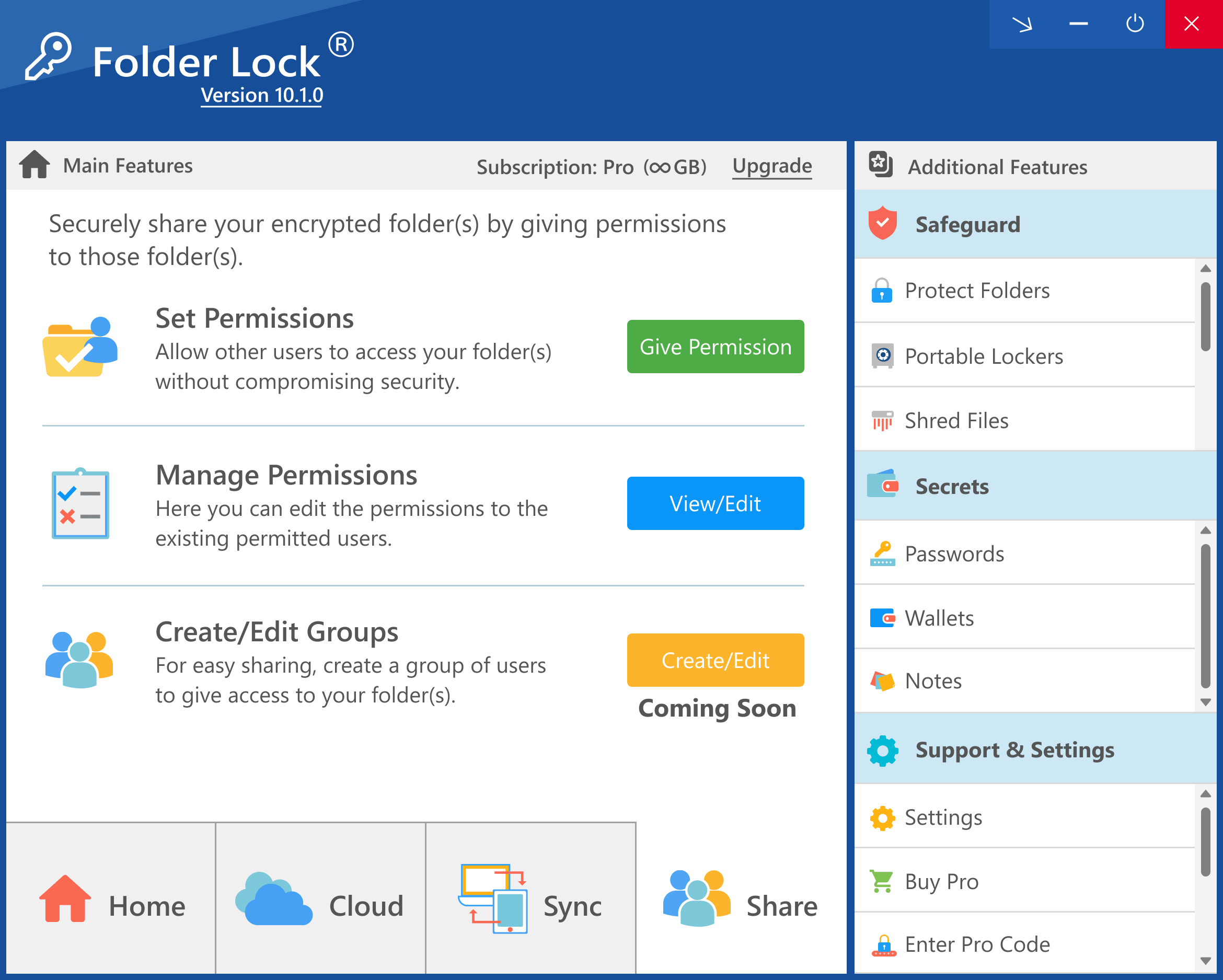
This version-specific permission screen illustrates product controls, not enterprise identity governance. Verify current behavior and organizational fit.
Run the final independent check
Before adoption, repeat the test on the exact Windows version, Folder Lock edition and storage location intended for use. Confirm which supplied screenshots match that release and mark older visuals as illustrative. Test export and restore without the original operator. If the product cannot meet documented recovery, access-separation or exit requirements, choose a different controlled storage method; encryption branding alone is not a fit decision.
Resolve these before acting
Does Folder Lock provide browser autofill?
Do not assume so. The reviewed official file-encryption materials do not establish it as a general password-manager or browser-autofill replacement.
Is this an unconditional recommendation?
No. It is a conditional option for a tested encrypted-file need. Compare it with an appropriate password manager and organization-managed storage.
Sources for this decision
- NewSoftwares: Folder Lock features
- NewSoftwares: encrypt files with Folder Lock
- CISA: use a password manager for strong, unique passwords
- NIST SP 800-63B: authentication and authenticator management
Links support the specific decision on this page and do not imply endorsement. Organizational policy and qualified advice control the real migration.